Order-to-fulfillment is one of the highest-value places to automate in an ecommerce business, because every manual touchpoint between “customer paid” and “package shipped” is a place where an order sits an extra day, gets the wrong label, or gets forgotten entirely. It’s also one of the easiest places to build an automation that looks fine in testing and quietly breaks in production, because inventory and shipping have real-world race conditions that a demo checkout never exercises.
The Five-Stage Pipeline
Almost every order-to-fulfillment automation, regardless of platform, breaks down into the same five stages:
- Order received — a webhook or new-row trigger fires the instant payment clears.
- Inventory check/reserve — confirm stock, decrement the available count so a second sale of the last unit doesn’t happen.
- Shipping label creation — pick a carrier/rate and generate the label automatically.
- Customer notification — tracking number email/SMS, ideally the moment the label is created, not when it ships.
- Post-purchase follow-up — delivery confirmation, review request, and (if relevant) a restock/reorder nudge on a delay.
Native vs. Cross-Platform Tools
If you’re on Shopify, Shopify Flow is the obvious starting point — it’s free on most Shopify plans, has native triggers for order-paid/fulfilled/refunded events, and integrates directly with Shopify’s own inventory without any API glue. Its limitation is that it stays inside the Shopify ecosystem; the moment you need to touch a tool Shopify doesn’t natively support, you’re reaching for Zapier or Make anyway.
Zapier and Make both work across Shopify, WooCommerce, and standalone carts, and are the right choice once fulfillment needs to touch 3+ separate tools (cart, inventory sheet, shipping tool, CRM). Make is usually the better value at real order volume given its per-operation pricing advantage; Zapier’s simpler builder is faster to stand up if you’re doing this solo and volume is still low.
For the shipping-label step specifically, ShipStation and Shippo both offer rate-shopping across carriers and can be triggered by Zapier/Make webhooks — ShipStation leans toward higher-volume sellers with more built-in rules automation, Shippo toward simpler per-label API pricing for lower or spikier volume.
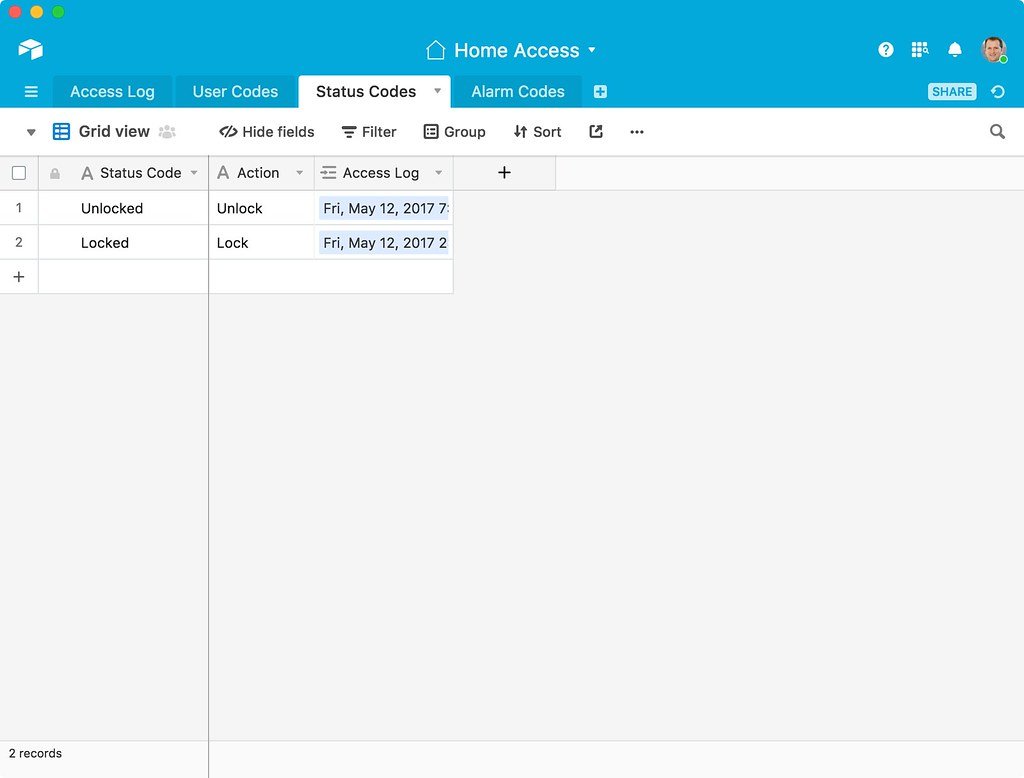
For a lightweight order-tracking hub that doesn’t require a full ecommerce backend, Airtable with its native Automations can serve as the single source of truth an order moves through — useful for small operations selling through multiple channels (Etsy, a simple cart, direct invoices) that don’t share one native platform.
| Tool | Role in pipeline | Best fit |
|---|---|---|
| Shopify Flow | Order/inventory events, native | Shopify-only stores, free |
| Zapier | Cross-platform glue | Low volume, fastest to set up |
| Make | Cross-platform glue | Higher volume, better cost/operation |
| ShipStation | Label generation, carrier rules | Higher-volume sellers |
| Shippo | Label generation, per-label pricing | Lower/spiky volume |
| Airtable | Order tracking hub | Multi-channel sellers, no unified backend |
Where This Breaks in Real Life
Inventory race conditions: if two orders for the last unit come in within seconds of each other, whichever automation runs its inventory-check step second will oversell unless you decrement stock as an atomic first action, not a “check then later reduce” two-step. Reserve the unit in the very same step you confirm it’s available.
Partial fulfillment: an order with 3 line items where only 2 are in stock needs an explicit branch — ship what’s available and flag the rest, or hold the whole order — decided up front, not discovered when the automation errors on a null inventory value.
The returns loop: most order-to-fulfillment builds stop at “package shipped” and never automate the return/refund path, which means returns still get handled manually even after the forward path is fully automated. Build the return-received → restock → refund-issued chain as part of the same project, not a separate one later.
FAQ
Do I need Shopify Flow AND Zapier/Make? Often yes — use Flow for the parts that stay entirely inside Shopify (tagging orders, adjusting inventory), and Zapier/Make for anything touching an external shipping or CRM tool.
How fast should the customer notification fire? Send the tracking email the moment the label is generated, not when the carrier scans it — carrier scan delays of a day or more are common and customers reasonably expect a receipt-style confirmation sooner.
What’s the minimum order volume where this is worth building? Once you’re spending more than an hour a day on manual order processing, the automation build (typically a few days of setup) pays for itself within weeks.
Verdict: start with the native tool for your cart platform (Shopify Flow if you’re on Shopify) to handle what it can, and only bring in Zapier or Make for the specific steps that need to leave that ecosystem — building everything in a general-purpose automation tool from day one usually means re-implementing logic your cart platform already gives you for free.